
Describe the thing.
Start with a sentence. Build Studio turns intent into a local project while keeping the work visible and reviewable.
A playful Linux desktop with Build Studio built in. Describe an idea, inspect every change, run it locally, and leave with the source.
A short, silent tour from the desktop into Build Studio. On smaller or reduced-motion screens, the tour waits for you to press play.
A computer should invite you to make something.
Your idea deserves more than another chat window.
Goblins OS brings the conversation, the project, and the desktop together, so you can move from “what if?” to “it works.”
This is not a chatbot floating over the desktop. It is a build flow with real files, readable diffs, logs, checkpoints, previews, and exports.
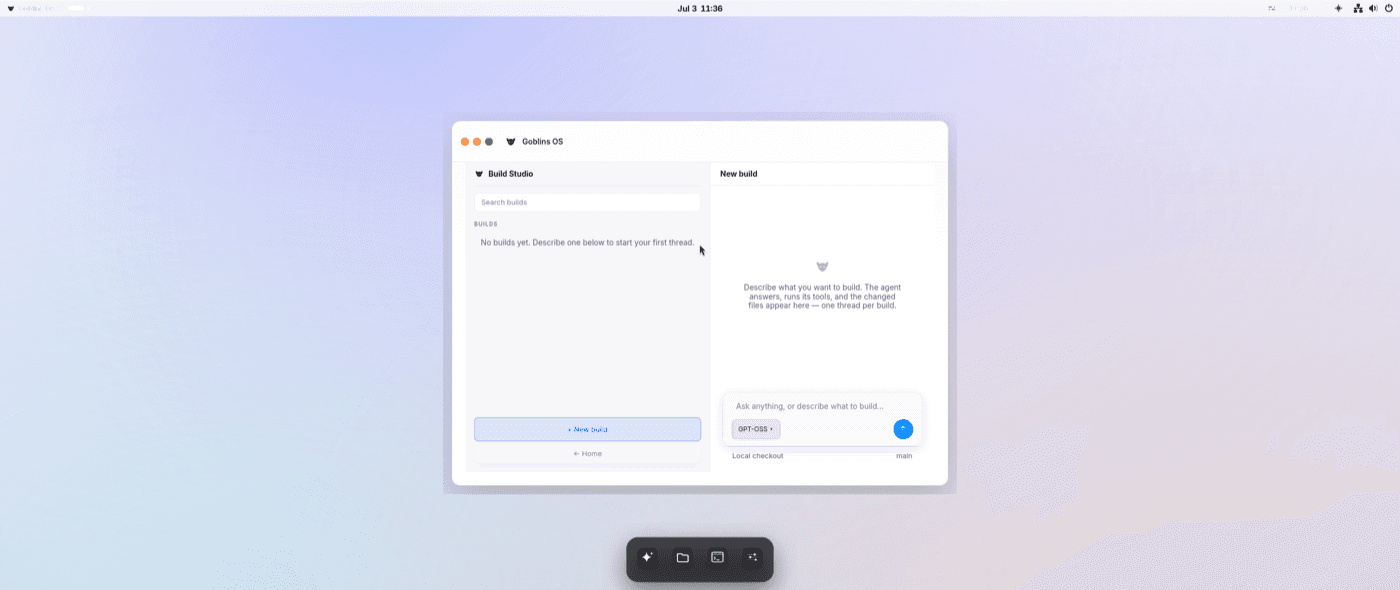
Start with a sentence. Build Studio turns intent into a local project while keeping the work visible and reviewable.
Review files, diffs, logs, and checkpoints before anything leaves your machine. Undo stays part of the workflow.
Preview static apps locally, export deterministic source, or package supported projects into an OCI image layout.
Mission Control, native Settings, window switching, display tools, recovery, and the build experience live in one coherent desktop.
Explore the system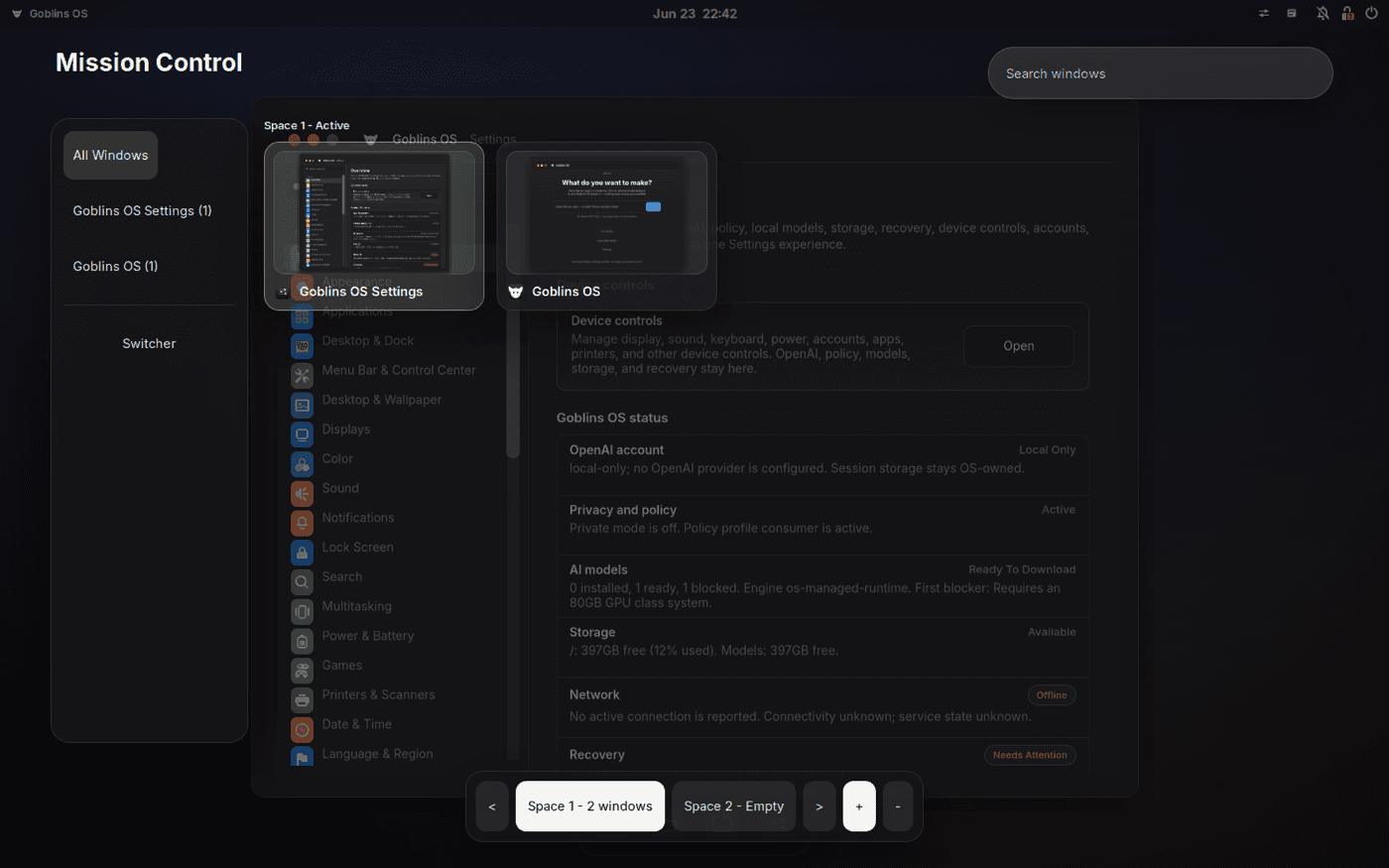
Updates, rollback, recovery, native controls, and per-user credentials live behind the playful surface, without taking the machine away from you.
Check, download, and apply image updates from Settings. If the next boot is not right, return to the previous deployment.
On eligible fresh installs, browse earlier snapshots and recover a file to a new destination without overwriting what is there.
Arrange displays, connect Bluetooth devices, tune shortcuts and gestures, and manage network settings from native controls.
Goblins OS does not ship with a maintainer API key. Sign in for yourself, on your machine, when you choose to use AI features.
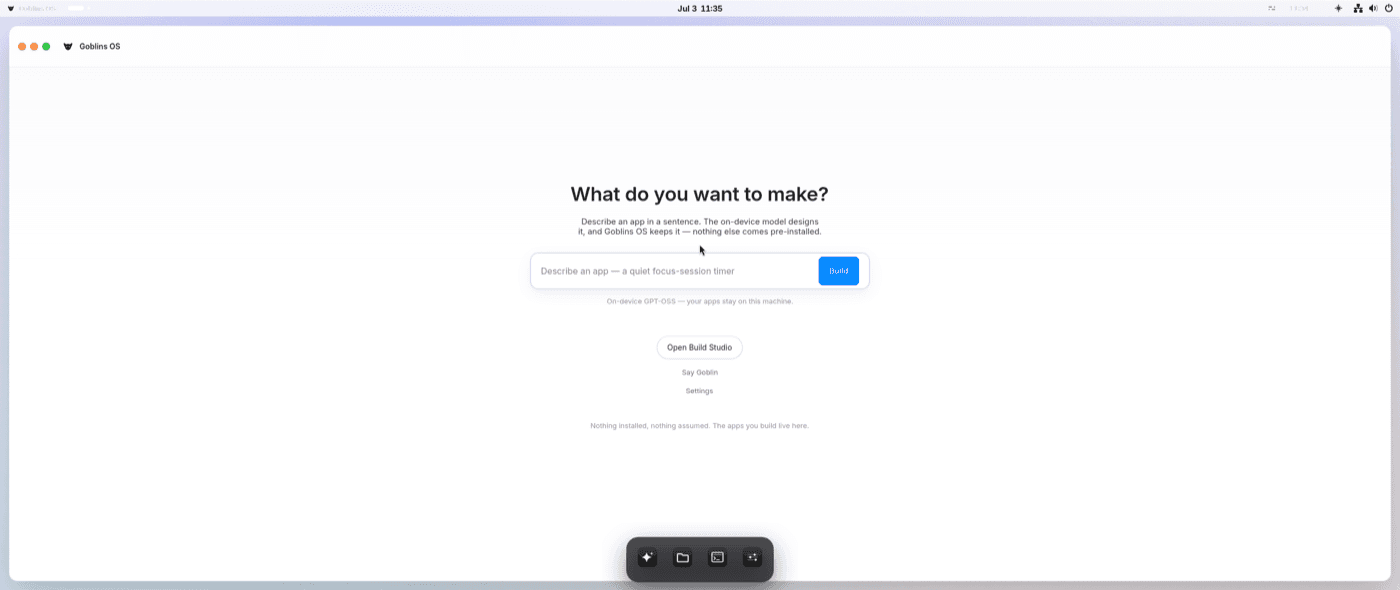
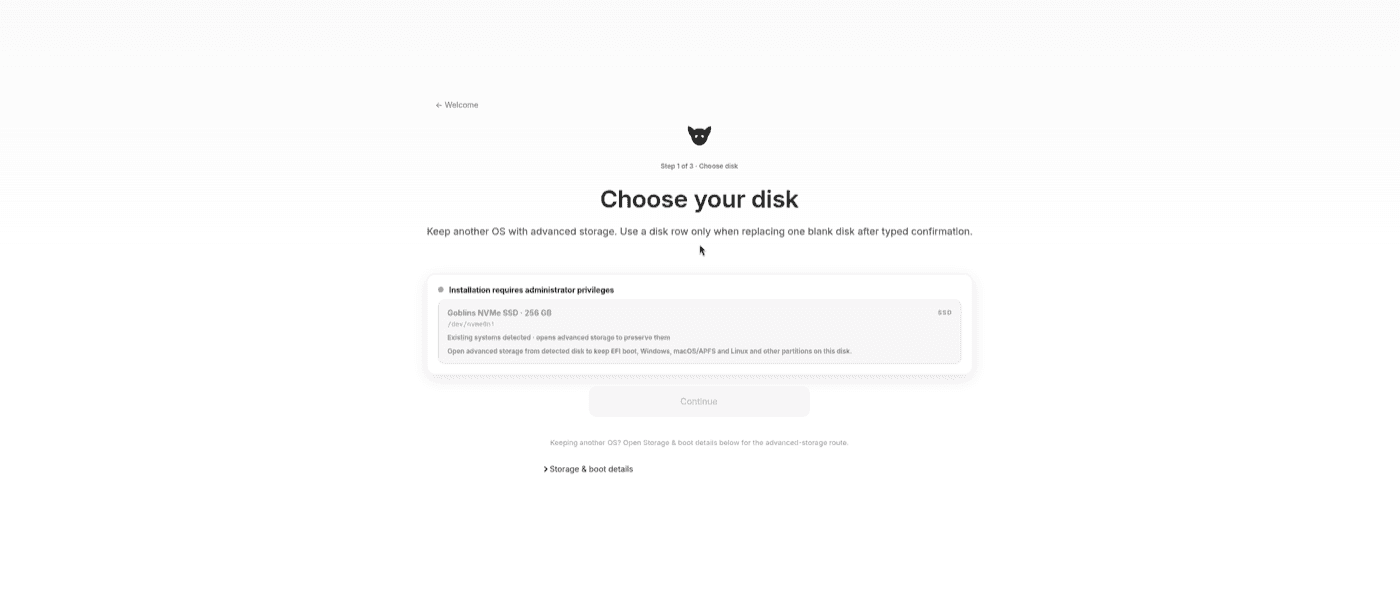
Try the current preview in an ARM64 UEFI virtual machine. The files stay on GitHub Releases; this page only points you to the exact, checksum-bound build.
Start the downloadTwo GitHub Release files make up the compressed installer.
Use the exact command below to check every byte and rebuild the ISO.
Attach the ISO to an ARM64 UEFI virtual machine and explore.
4a42876fd693bad1602f7ea60a4e2b48975f10417abec542f97b1cfab279b402Verify every split part, reassemble the compressed image, then verify the final ISO before attaching it to a virtual machine.
(
set -eu
if command -v sha256sum >/dev/null 2>&1; then
  verify_sha256() { sha256sum -c -; }
elif command -v shasum >/dev/null 2>&1; then
  verify_sha256() { shasum -a 256 -c -; }
else
  echo 'Install sha256sum or shasum before continuing.' >&2; exit 1
fi
printf '%s  %s\n' '23d6fd9fbd8b36e8f3bb4d4f2b123cd8c61c62fd4e758814e2ff6ed6b883b5c9' 'goblins-os-aarch64.iso.zst.part-00' | verify_sha256
printf '%s  %s\n' '908aa43abd20c4cde50e7bdc6c5a1160bb11f81a659e7e78b580dca2bbfef622' 'goblins-os-aarch64.iso.zst.part-01' | verify_sha256
cat 'goblins-os-aarch64.iso.zst.part-00' 'goblins-os-aarch64.iso.zst.part-01' > 'goblins-os-aarch64.iso.zst'
printf '%s  %s\n' '2c7f00763e7f5f2556a6e16ff036c6ed44324467b1c84849db227dfd8f566c58' 'goblins-os-aarch64.iso.zst' | verify_sha256
zstd -d --long=31 --force 'goblins-os-aarch64.iso.zst'
printf '%s  %s\n' '4a42876fd693bad1602f7ea60a4e2b48975f10417abec542f97b1cfab279b402' 'goblins-os-aarch64.iso' | verify_sha256
)Goblins OS is licensed under AGPL-3.0-or-later. The project keeps source, release evidence, issue tracking, and the public build story in the open.